Live streaming
01Watch any vehicle's cameras in real time from your dashboard.
Event-triggered clips
02Auto-save video for harsh braking, collisions and panic alerts.
Driver-facing camera
03Monitor distraction, drowsiness and phone use in the cabin.
Cargo view
04Protect high-value loads with a dedicated rear or cargo-bay camera.
Cloud storage
05Retrieve any recorded clip long after the trip is done.
Evidence on demand
06Download court-admissible footage in minutes, not days.
See it in action
//How the dashcam and client dashboard work
A short walkthrough of Baudlink-style video monitoring — the in-vehicle dashcam feed and what the operator sees on the client dashboard.
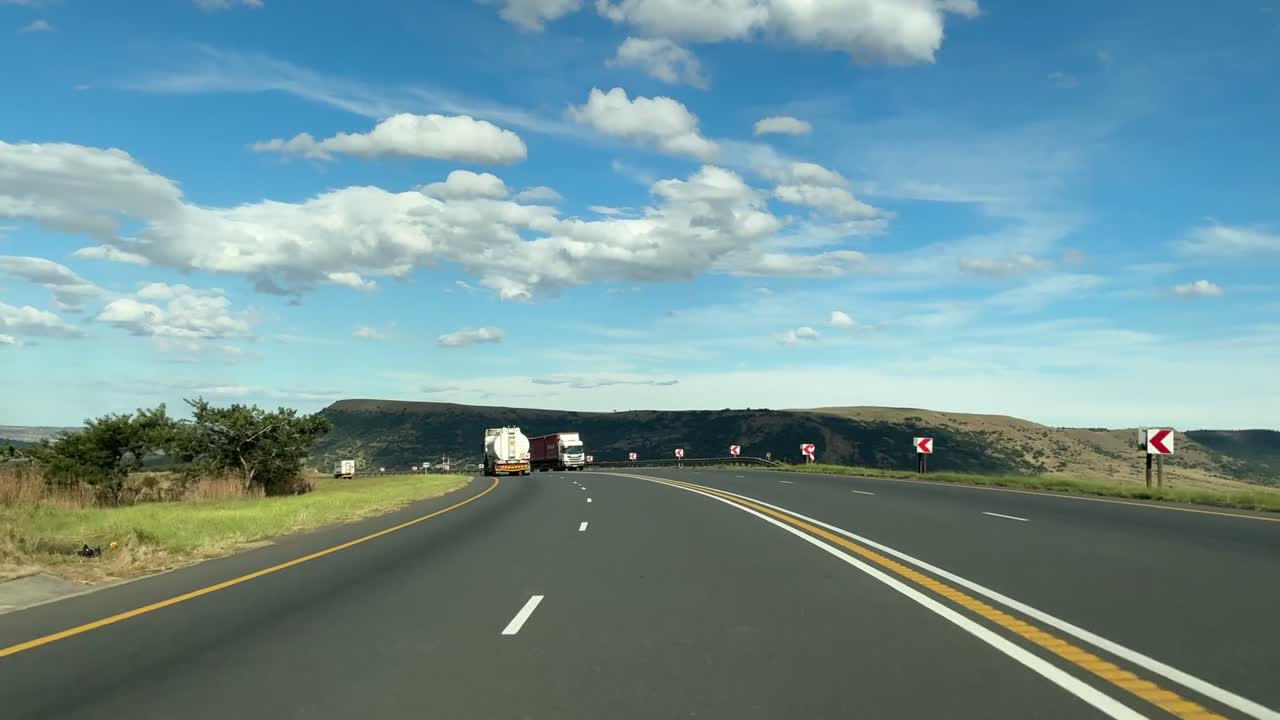
Live HD streamRoad + cabin view
Every mile, from the driver's seat to your desk.
4 cams / unit|24/7 alerts|99.9% uptime
Dashcam demo
FAQ
//Frequently asked questions
- How many cameras can I install per vehicle?
- The number of cameras depends on the scope of the client. Baudlink dashcams typically start from 2 channels (cabin and road ahead) and scale to 3, 4, 5 or 6 channels per the scope.
- Can I stream live video from the dashcam?
- Yes. Any authorised user can open live HD streams from the Baudlink dashboard on desktop or mobile whenever the vehicle is powered on.
- How long is dashcam footage stored?
- It depends on the size of the SD card, but typically the device retains up to 30 days of continuous footage on its SD card. Event clips (harsh braking, collisions, panic) are auto-uploaded to client servers when needed, or to Baudlink Cloud for long-term review.
- Is the recorded video admissible as evidence?
- Yes. Clips are timestamped, GPS-tagged and stored with tamper-evident hashes, which insurers and Kenyan courts accept as evidence for claims and disputes.
- Do dashcams work at night?
- All Baudlink cameras include IR night vision for cabin and cargo views, and low-light HDR sensors for the road-facing camera.